What’s New
Here is a summary of the updates you will see at a Vancity ATM:
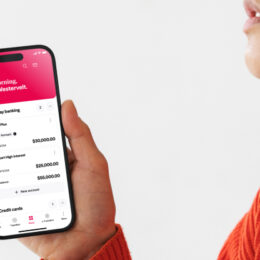
- The ability to view up to 20 financial accounts across all relationships.
- New naming convention for financial accounts, using your account name or nickname and the last 3 digits of the account number.
- You may also see the order of your accounts change at Vancity ATMs – displaying your accounts from smallest account number to largest account number.
FAQ
No. With this update, you’ll only be able to view the accounts you’re authorized to access or that are assigned to you. For example, joint account holders cannot see accounts opened solely by you, and similarly, you won’t see their personal accounts unless you’re listed as a joint account holder.
If you bank with Online Banking, you can log in and check which accounts you transact with from the ATM by referencing the last 3 digits of your account number, and nickname your accounts to help you identify them at the ATM. You can learn how to nickname your accounts here. IYou can also visit a branch or call us toll free at 1.888.826.2489 for assistance.
Unfortunately, the system automatically determines the order in which accounts are displayed from the oldest account to the newest, and it doesn’t allow for manual adjustments at the ATM. However, if you’d like, you can create nicknames for your accounts so you know exactly which each one is when you see the list at the ATM.
Yes – you will be able to see a list of accounts across your relationships, up to a maximum of 20 accounts.
Yes, you can deposit cheques at the ATM into a joint account as long as the account allows for shared access and both account holders have agreed to the arrangement. However, the cheque must be properly endorsed and should not have restrictions that prevent it from being deposited into the joint account.