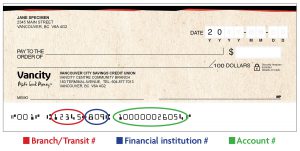
For new or re-orders, you can:
Note, you can only order cheques via desktop (PC or laptop), not mobile.
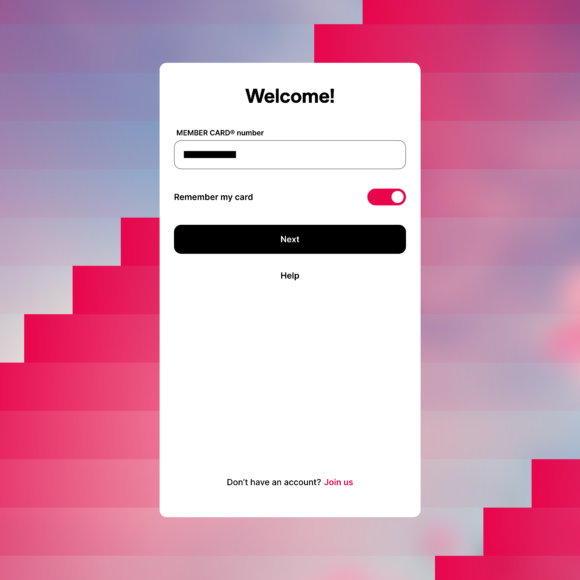 |
Step 1:
Log in to the Vancity mobile app with your credentials.
|
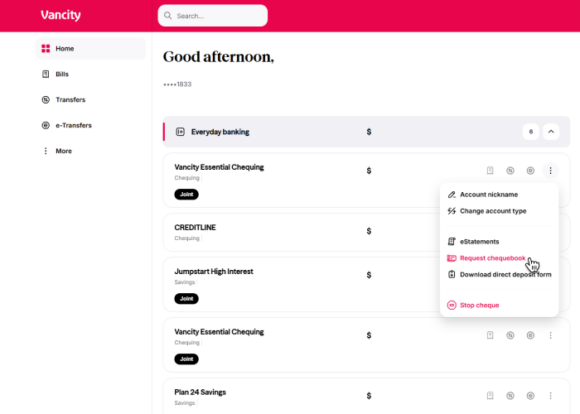 |
Step 2:
Click the three dots on the right side of the account you would like to order a chequebook from and then click Request chequebook. |
|
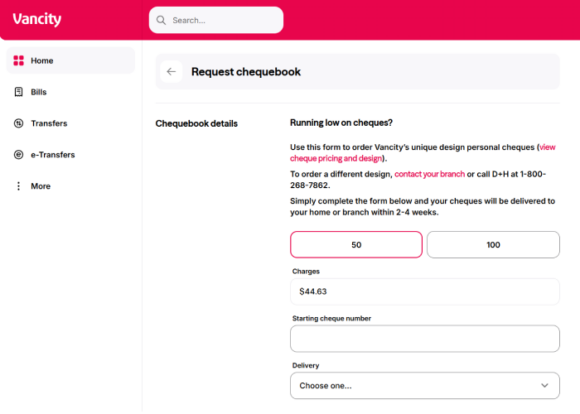
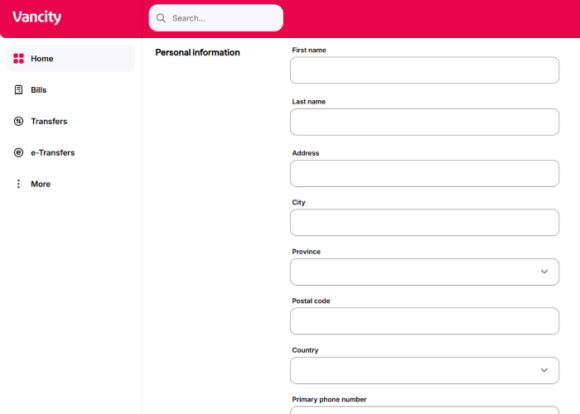
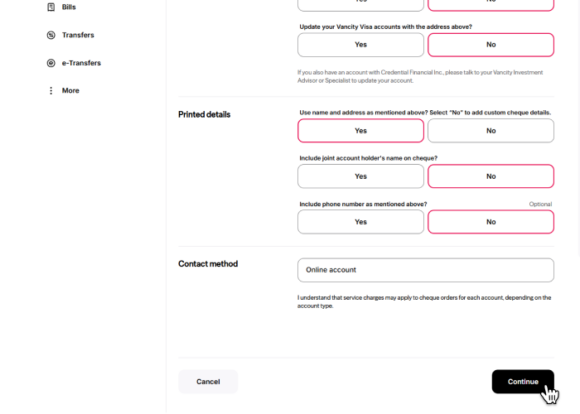
Step 3:
Complete all the required fields containing your Chequebook details, Personal Information, Printed details, and Contact method.
Once complete, click the Continue button. |
|
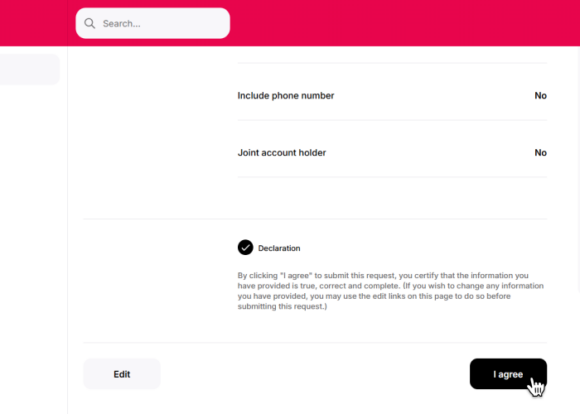
Step 4:
Review your order details for accuracy. Note that the charges will be taken from the account you are ordering from.
Once all the details look accurate, click the Declaration towards the bottom of your screen to agree to submitting the request. Then, click the I agree button. |
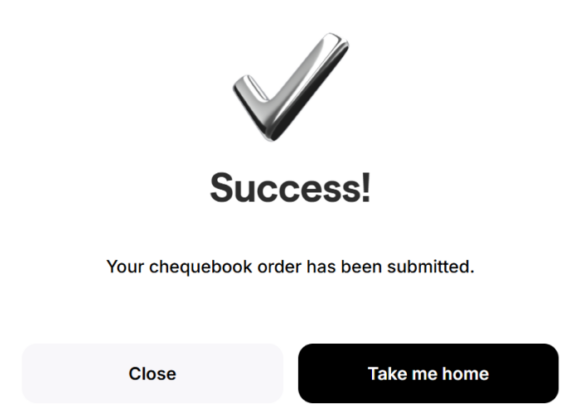 |
Step 5:
Your chequebook order is now complete.
|
How long will it take?
It takes usually 2-4 weeks. If you’re experiencing further delays, please visit your nearest community branch or call us. Copyright © 2017 DH Corporation