If you no longer want Interac e-Transfers sent to an email address or mobile number to be deposited automatically, you can remove that Autodeposit registration in online or mobile banking. After you remove it, you will need to accept e-Transfers sent to that email address or mobile number yourself.
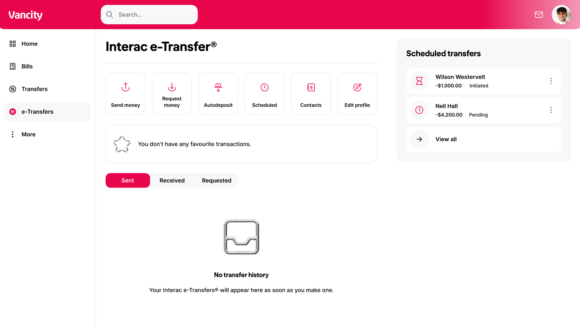
Steps to follow
|
 |
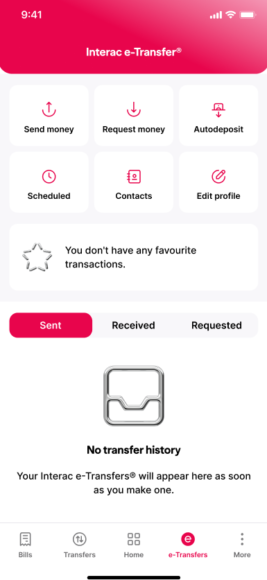
- Step 1: Open the Vancity Mobile app and login. Navigate to E-Transfers on the bottom menu.
- Step 2: Select “Autodeposit” from the menu.
- Step 3: Tap the email address or mobile number you want to remove.
- Step 4: Tap “Delete” and confirm. Transfers sent to that email address or mobile number will no longer be deposited automatically.
More FAQs
You can register an email address or mobile number for Autodeposit at any time. Follow the steps in How do I set up Autodeposit for Interac e-Transfer?