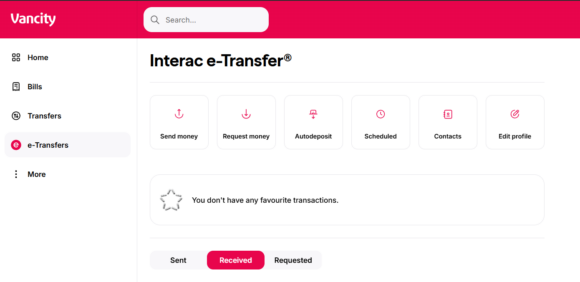
Follow these steps:
 |
|
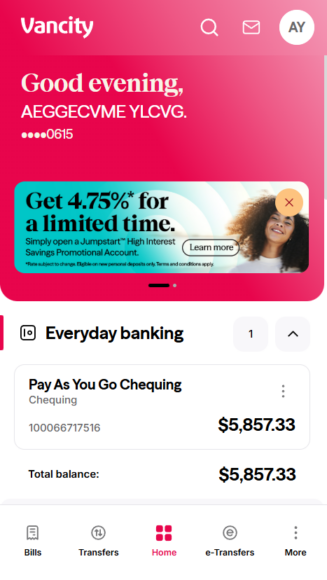 |
Step 1:
On the home screen, tap e-Transfers. |
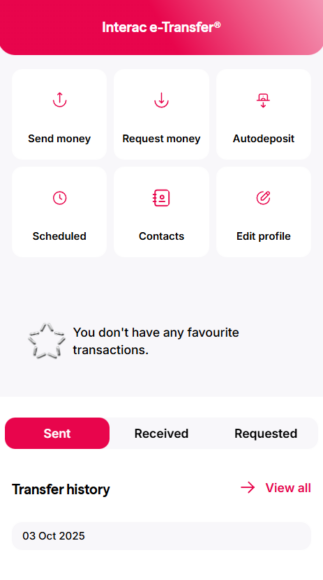 |
Step 2:
You’ll land on the Sent tab by default. |
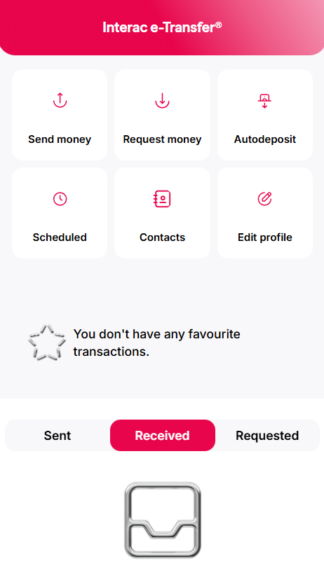 |
Step 3:
Tap ‘Received’ to view your incoming e-Transfers. |
Follow these steps:
|
|
|
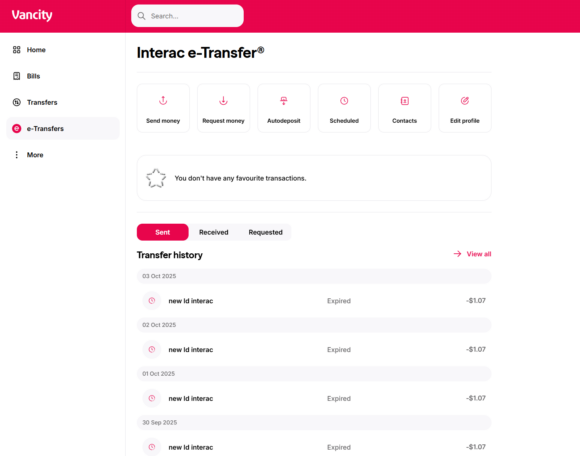
Step 1:
On the home screen, tap e-Transfers. |
|
Step 2:
You’ll land on the Sent tab by default, where you can review your sent e-Transfers. |