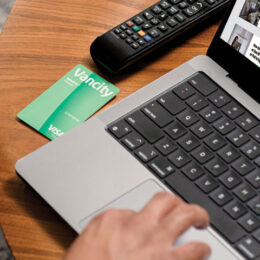
Click to Pay replaces Visa Checkout. It makes paying for purchases easy, smart and secure. Activate once at any participant merchant site. Choose to be remembered and you’ll be set up for a streamlined purchasing experience with your Visa card whenever you click on the  icon where Visa is accepted.
Look for this icon when you check out at participating online retailers to get started and pay with your enviro Visa card wherever Visa Click to Pay is accepted.
Specifically, you can set up your enviro Visa cards for this easy, smart and secure online checkout:
- At merchants that accept Visa and display this icon new online checkout logo.
- On Visa’s enrolment page
Select “Remember me for faster checkout”. Going forward, Visa will remember your card details in that browser on that device. The next time you click to pay at any merchant where Visa Click to Pay is accepted, your card will appear in the list at checkout already setup. You’ll simply need to select your enviro Visa card to pay and finish your transaction. No additional passwords are needed once you have setup your card.
Note: This feature is not recommended for shared devices.
Further questions about using Click to Pay with your Vancity enviro Visa Card? You can find out more information about Click to Pay on Visa’s website or Contact Card Services who can be reached 24/7 at 604-877-4999 and toll-free at 1-800-611-8472.