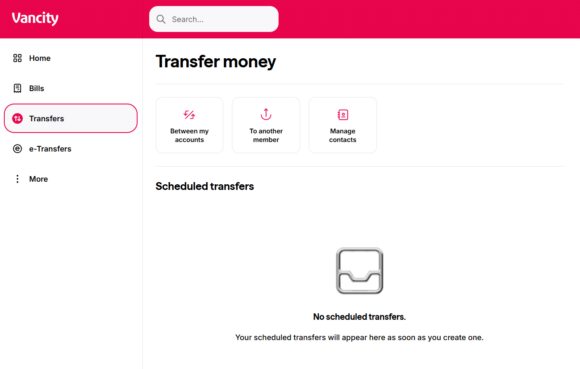
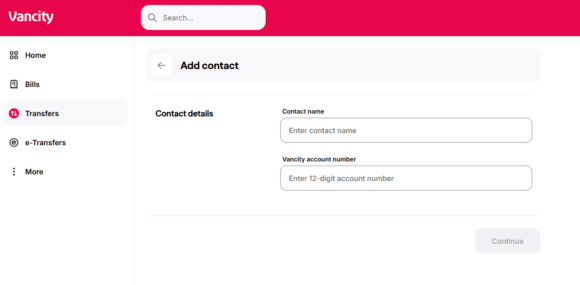
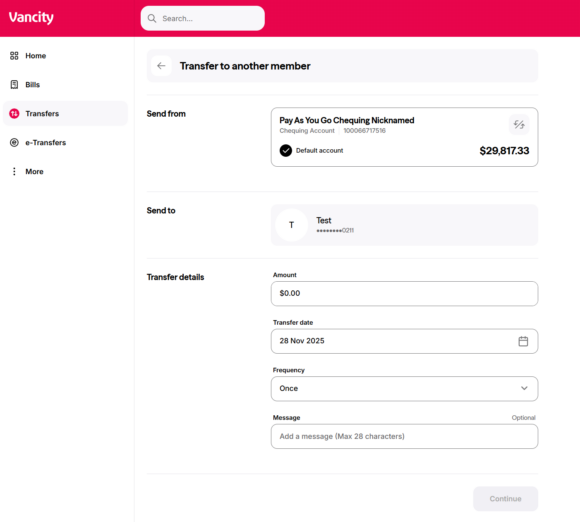
How do I add or delete an Intermember Transfer? Log in to online banking and follow the steps below: To add an Intermember Transfer: First, obtain the 7- or 8- digit Relationship # from the member receiving funds. Log in to online banking click “Transfer” click “To another member” Click “Add contact” Complete the following: Contact name 12 digit Vancity account number The member will be available on the previous “To another member” step. Click them to initiate a transfer. Related posts: How do I transfer funds to another member? How do I transfer money from my business to my personal account? What if my MEMBER CARD® debit card is expired? How do I add or delete a bill payee? Go to vancity.com Was this article helpful? Yes No