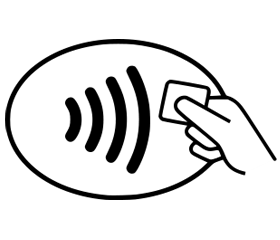
Apple Pay allows you to pay at store checkouts using your iPhone or Apple Watch anywhere that accepts ‘tap’ – just look for one of these symbols at the store checkout:

- Hold the top of your iPhone close to the card reader screen
- Enter your passcode when prompted
- When you see ‘Done’ on your iPhone screen, the transaction is complete.
- Hold the top of your iPhone close to the card reader screen
- Put your finger on the home button
- When you see ‘Done’ on your iPhone screen, the transaction is complete.
- Double-click the side button and look directly at the screen to confirm Face ID
- Hold the top of your iPhone close to the card reader screen
- When you see ‘Done’ on your iPhone screen, the transaction is complete.
- Double-click the side button and hold your Apple Watch close to the card reader at the store checkout until you feel a gentle tap
- If you need to choose Credit or Debit on the card reader, choose Credit
- Depending on the store and transaction amount, you may need to sign a receipt or enter your Apple Watch passcode
- When you see ‘Done’ and a checkmark on your Apple Watch screen, the transaction is complete.